Window overview · Touchpad
AerialOn the marketplace
Mission Control for Omarchy, attached to your fingers.
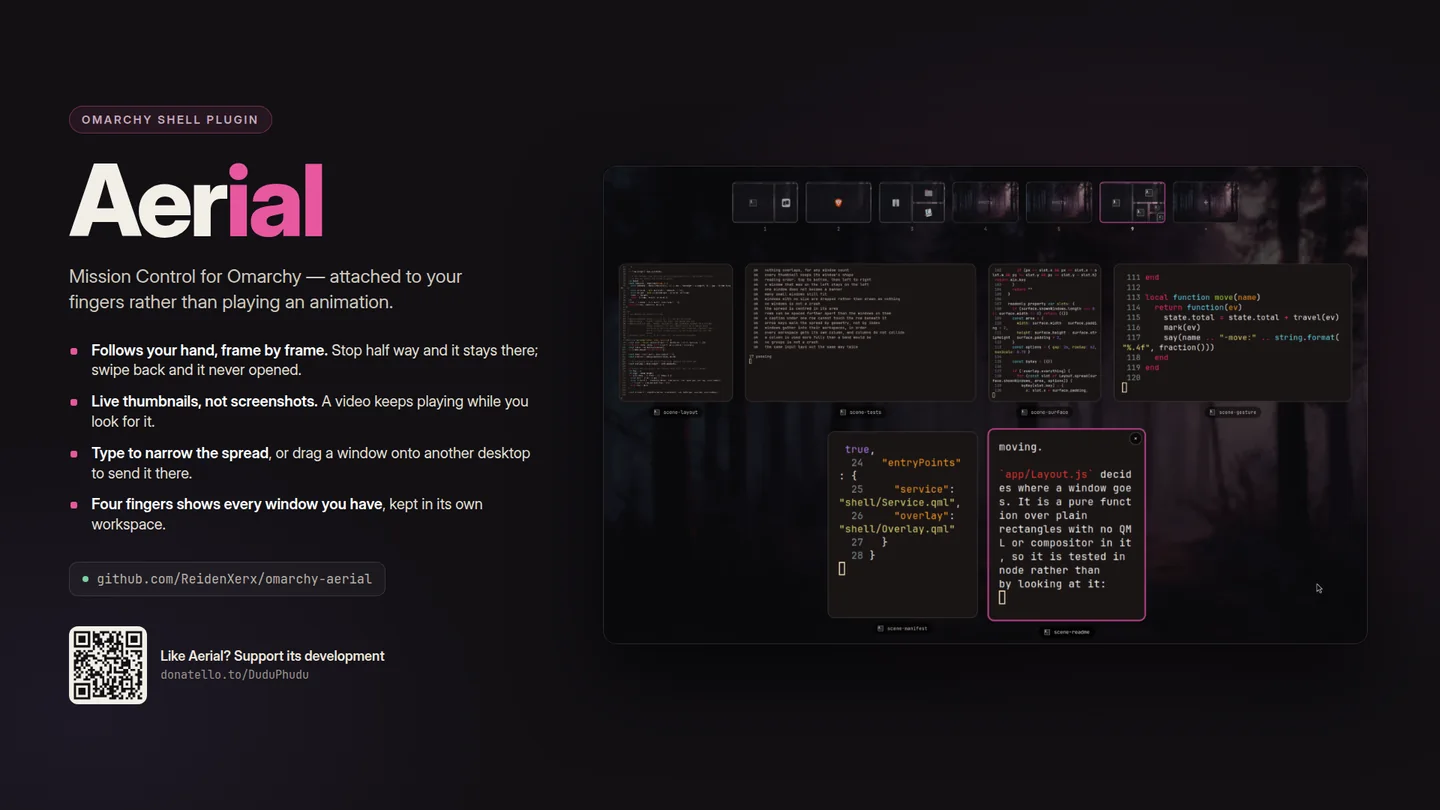
Swipe up with three fingers and every window on the workspace spreads out, live, with your desktops along the top. Let go half way and it goes back.
What only Aerial does
Why this one
- It follows your hand, frame by frame.The swipe is not a trigger that plays an animation. Hyprland reports it continuously, so the overview is drawn at whatever fraction of the way your fingers have got to — stop half way and it stays there; swipe back and it never opened.
- The thumbnails are the windows.Each one is a real capture, so a video keeps playing and a build keeps scrolling while you look for it. Eight windows cost about 6% of one core.
- Type to narrow the spread.Start typing and what does not match steps out, growing what is left. When one window is standing, enter goes there.
- Drag a window where it belongs.Drop it on a desktop to send it there, or on another window to trade places in the tiling layout. Workspaces one to five are always offered, so you can aim at one before it exists.
- Nothing to install into the compositor.No Hyprland plugin to rebuild every time Hyprland updates: the gesture is registered through Hyprland 0.56's own Lua API.
Needs Hyprland 0.56 or newer for the Lua gesture API, and a touchpad for the part that makes it worth having. It writes no files and keeps no state; the gestures exist only while the plugin is loaded and go away with it.
Using it
How you reach it
| Do this | And |
|---|---|
| Three fingers up | Open this workspace, following your fingers |
| Four fingers up | Open every window you have, grouped by workspace |
| Three or four fingers down | Close again |
| SUPER + A | Open or close from the keyboard |
| Type anything | Narrow the spread; enter goes to what is left |
| Drag a window | Onto a desktop to send it, onto a window to swap them |
| Middle-click, or the × | Close that window |
Getting it
One command
Then restart the shell with omarchy-restart-shell. Licensed MIT;
remove it any time with omarchy plugin remove.
← All plugins
Free and open source. Support its development.