Utility · Full-screen
Keyboard cleanerOn the marketplace
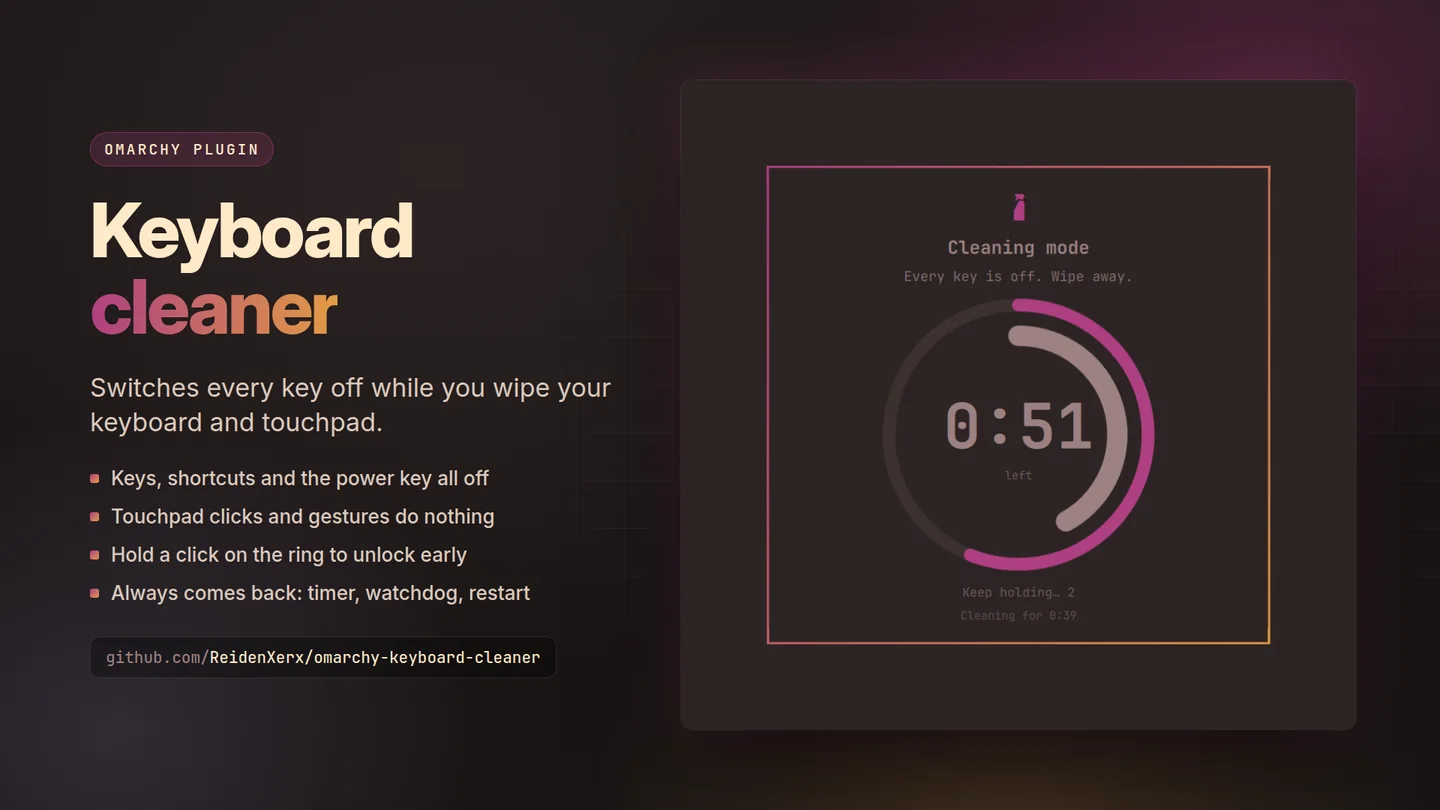
Switches every key off while you wipe the keyboard.
A full-screen card in your theme counts down while you clean. Hold a click on the ring for three seconds to end it early.
What only Keyboard cleaner does
Why this one
- Every key is off.Letters, Super shortcuts, media, brightness and power keys — not a screensaver you can type through.
- The touchpad and mouse do nothing.Clicks, scrolls and drags land on the card instead of on your work.
- The display stays awake.The card shows on every monitor with the time left, so you can see what you are doing.
Also on KDE Plasma In testing
Keyboard cleaner for Plasma 6
Switches off the keyboards KWin knows, never the touchpad or mouse, with the same four ways back, and switches on any keyboard left off at your next login.
Then right click the panel, choose Add or Manage Widgets, and drag Keyboard cleaner onto it.
Until it is on the KDE Store it installs from its plasma branch.
Getting it
One command
Then restart the shell with omarchy-restart-shell. Licensed MIT;
remove it any time with omarchy plugin remove.
← All plugins
Free and open source. Support its development.